Panasonic’s LUMIX SHX1 makes the production handoff the real story
Panasonic’s 17 November announcement brings two RAW recording paths, Open Gate options and professional connections. Here is what photographers adding motion should establish before a commission.
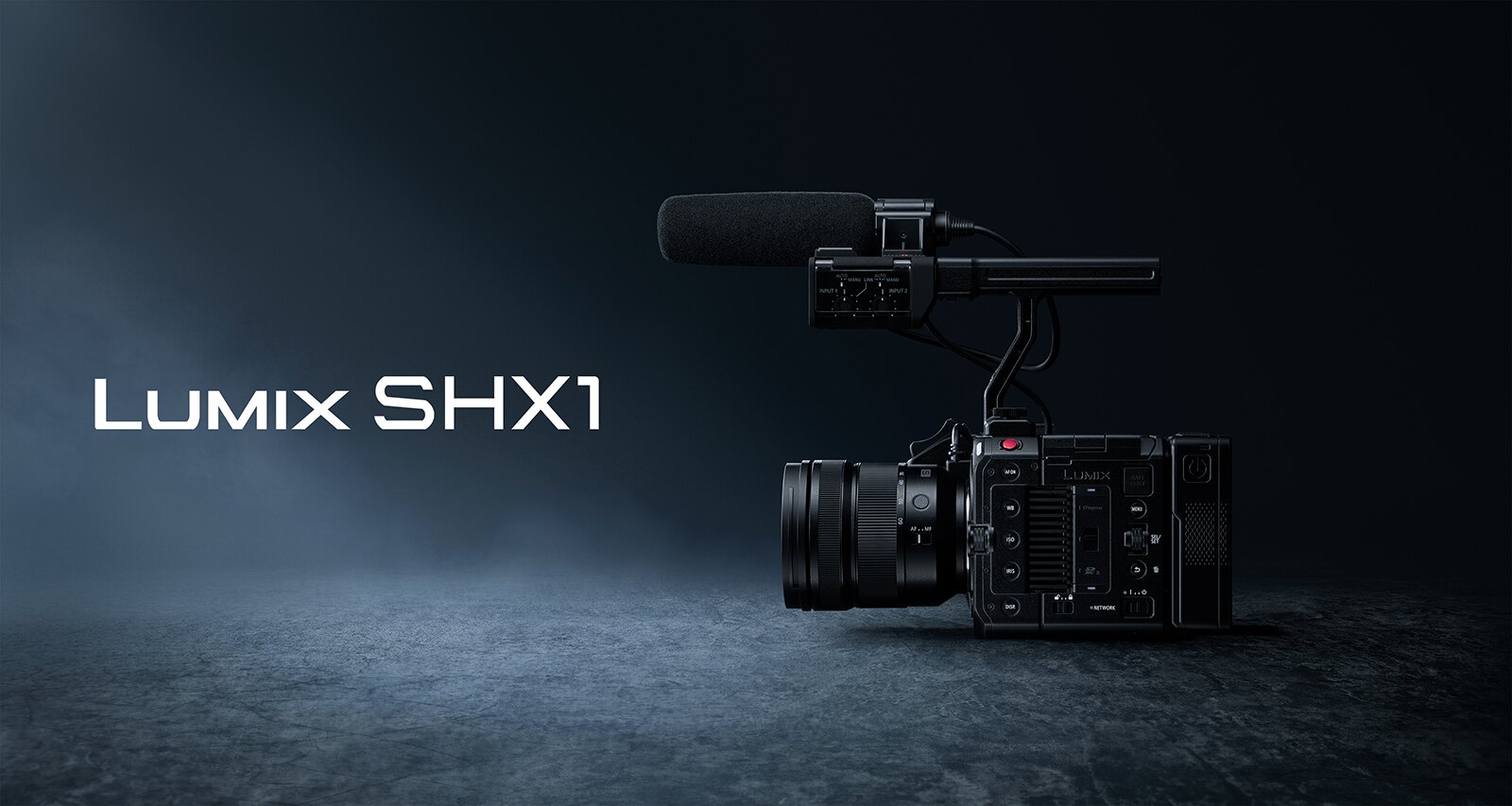
Panasonic announced the LUMIX SHX1 on 17 November 2026, moving its full-frame imaging technology into a compact, box-style cinema camera. The company plans staged availability from December 2026, with timing and pricing varying by region. The official announcement describes a 6K camera aimed at filmmakers working across small crews, handheld production and larger camera systems.
For photographers adding motion to their commissions, the important question is what happens after recording. A camera can deliver an impressive picture and still complicate an assignment if its files, framing or accessories do not fit the editor’s process. Our reading of this launch is that the SHX1 deserves attention primarily as a workflow proposition. Its eventual value will depend on how the complete production behaves, rather than how many specifications fit into a launch graphic.
Choose the recording route with the editor
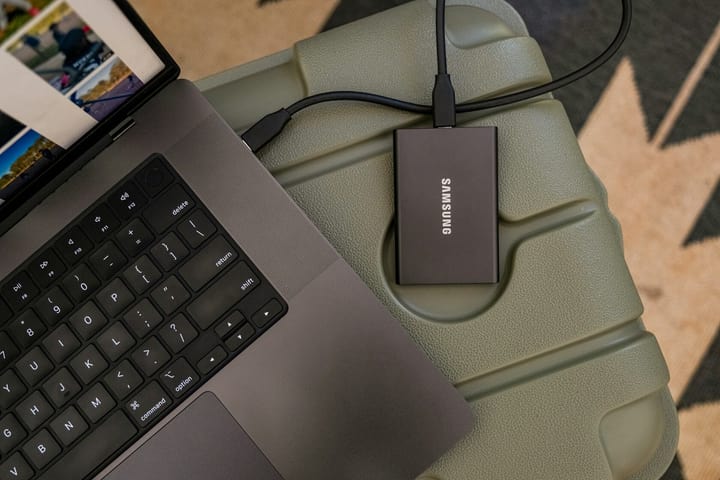
The SHX1 offers two distinct RAW paths: Blackmagic RAW to an external USB SSD, and ProRes RAW internally to CFexpress Type B. Panasonic’s feature documentation also states that external SSD recording cannot simultaneously produce another main recording on a card, although an SD proxy can accompany it. That distinction matters when planning redundant capture.
Before a commission, ask the editor to open a short sample recorded with the intended settings. Confirm playback, metadata interpretation, color treatment and export on the actual workstation. Being able to import a file is only the beginning; a useful trial continues through the final delivery format. Include whoever receives the project later, especially when another production company handles finishing.
Blackmagic Design’s RAW documentation explains that the format carries image-processing metadata and offers different compression approaches. For a photographer used to delivering selected stills, the practical change is the volume and continuity of the material. A video assignment needs an agreed ingest and backup routine for whole clips. Decide who copies, verifies and retains those clips before the first card or drive fills.
A familiar log curve still needs a color plan
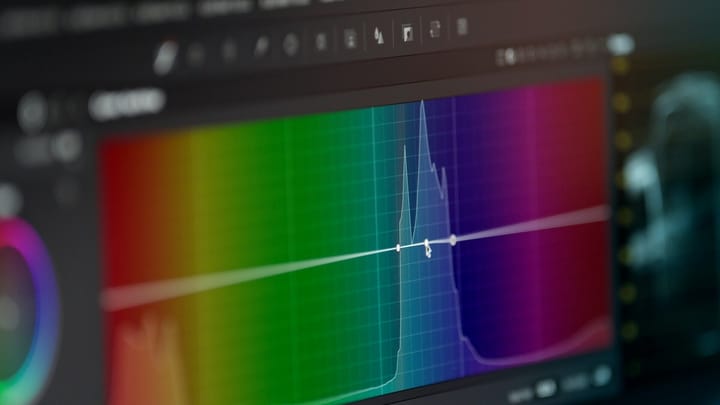
ARRI LogC3 comes pre-installed alongside Panasonic’s V-Log. This expands the available grading options, but a shared log label should not be treated as proof that two cameras will match automatically. Lens choice, exposure, lighting and the treatment applied during post-production remain part of the picture.
ARRI’s own explanation of LogC describes logarithmic encoding and distinguishes LogC3 from LogC4. Its color-management FAQ likewise treats camera generations and look transforms as specific workflows. The useful question for an editor is which input interpretation and output treatment they intend to use, not whether a recognizable brand name appears in the menu.
Write that decision into the handoff. A small reference frame and a clearly labeled sample can prevent uncertainty when footage arrives without the person who recorded it. Describe whether an accompanying look is a viewing preference or something intended for the final image. That conversation is easier before a shoot than during an urgent revision.
Open Gate starts with a delivery conversation
Panasonic lists Open Gate options, including Blackmagic RAW 6K 24p with a slight crop. The attraction for mixed-format commissions is straightforward: additional framing room can help when a project needs both horizontal and vertical versions. It does not decide what should remain inside either composition.
Imagine filming a maker at a workbench for a website interview and a vertical social edit. A wide frame may include the tools that explain the work, while a narrow crop risks retaining the face and losing the hands. Solve that problem on location. Establish the important action, check both intended framings and leave enough room for captions without making the subject unnecessarily small.
Request a delivery list that names aspect ratios and the purpose of each version. A short product teaser, a subtitled interview and a website background loop need different editorial decisions even when they share footage. The camera’s recording area creates options; the shooting plan makes those options useful.
Read performance claims with their conditions
Panasonic claims 15 stops of dynamic range with Dynamic Range Boost enabled, while explicitly noting increased rolling-shutter distortion and restrictions on recording settings. It also advertises recording without a time limit at up to 4K 120p within the guaranteed operating-temperature range. These are manufacturer statements, not measurements from a GOBO field test.
Those qualifications point toward useful evaluation questions. A locked-off interview with a bright window and a fast pan across vertical structures stress different parts of a camera. A setting that serves one scene may be a poor default for the other. Test the modes needed for an actual assignment, rather than assuming one headline performance figure describes every combination.
Keep a record of the mode, exposure, camera movement and processing used for each sample. Watch the resulting clip at the delivery size and normal playback speed before examining individual frames. The objective is to find limitations that would affect the finished piece, with enough information to reproduce them.
Evaluate the rig and the sound together
The published specifications list 12G-SDI, HDMI, timecode input/output and 32-bit float audio options when using the external microphone connection or optional XLR handle. These interfaces suggest opportunities for expanding a setup, but the working kit includes much more than the camera body.
Build a trial around the complete job: lens, batteries, support, microphone, monitoring, media and the way the operator reaches controls. Record a quiet interview and a moving sequence. Check whether accessories obstruct the screen or make changing orientation awkward. Photograph the finished arrangement so that another operator can rebuild it consistently.
Treat audio as a separate check. Listen for the subject’s voice, handling noise and distracting room sound. A promising recording format does not replace microphone placement or a listening test. For a photographer learning motion, identifying a poor recording before leaving the location is more valuable than discovering it in an editing session.
What to establish before booking one
As of 21 November, this is an announcement to investigate, with the manufacturer’s December rollout still ahead. Obtain local availability and a complete kit quotation rather than treating the global announcement as confirmation of stock. If access to a demonstration becomes available, bring a small assignment brief and a sample-delivery checklist.
The SHX1’s most interesting promise is a choice of ways to fit into production. Judge that promise by following a clip from capture to backup, edit and delivery. For working photographers, the strongest reason to add a cinema camera is a repeatable improvement in the assignments they can complete.