AI fashion models and virtual try-on: what the image can prove
A practical comparison of Botika, Modelia, FASHN, Veesual and Google, separating catalog generation, identity creation and shopper visualization from evidence of real size and fit.
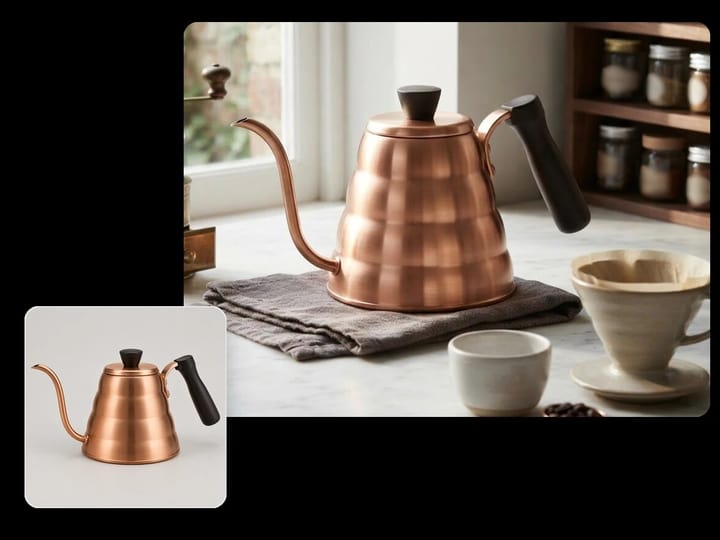
A flat-lay shirt becomes a polished campaign image. A customer uploads a photograph and sees the same shirt on themselves. Both results may involve generative AI, but they answer different questions. The first creates retail content; the second helps a shopper imagine a look. Neither image alone establishes how the delivered garment will fit a particular body.
That distinction matters when choosing tools for an e-shop. Start with the information you already have, the image you need and the claim the shopper might take from it. One product photograph can be a useful reference without becoming a complete record of construction, dimensions or fabric behavior.
Four jobs that share similar language
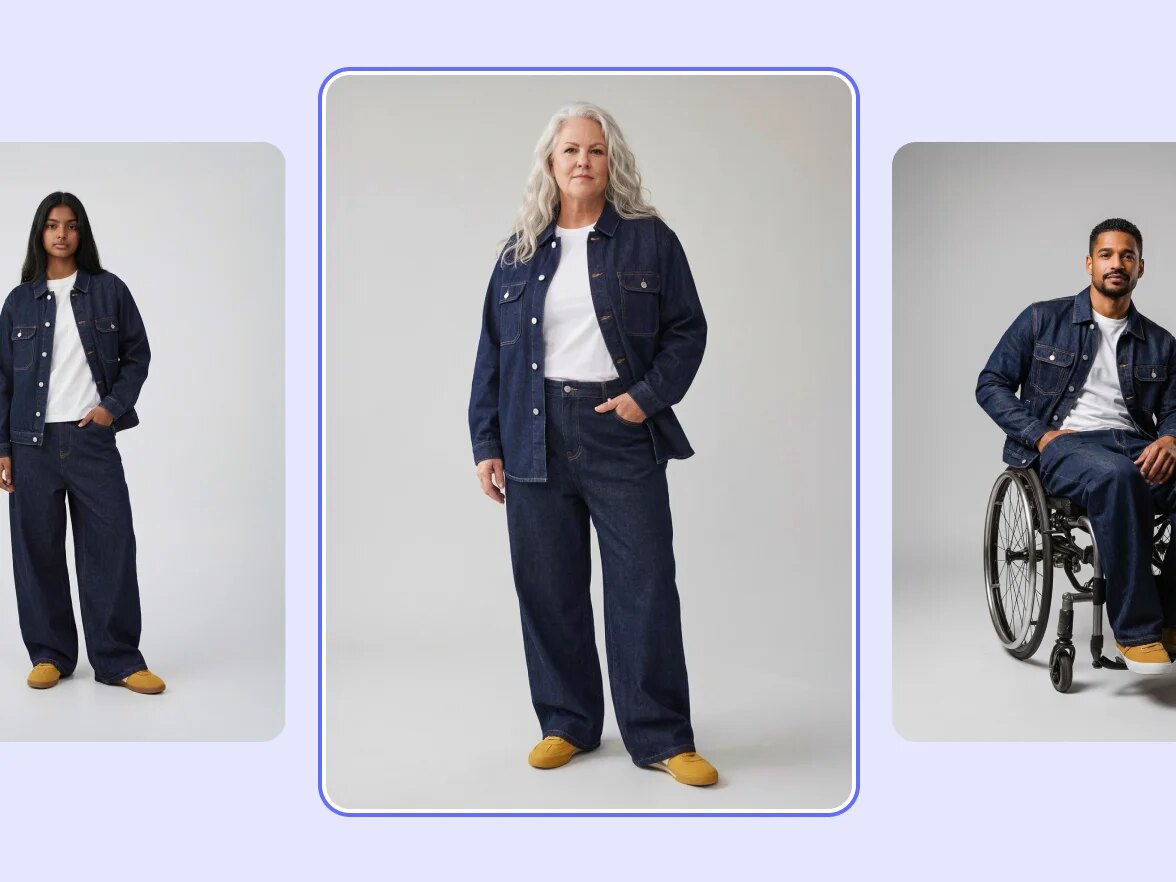
On-model restyling begins with clothing already photographed on a person. The task may be to change the model's face, appearance or background while retaining the garment. Modelia describes its Model to Model tool in these terms; preservation is the vendor's stated objective, not a result verified here.
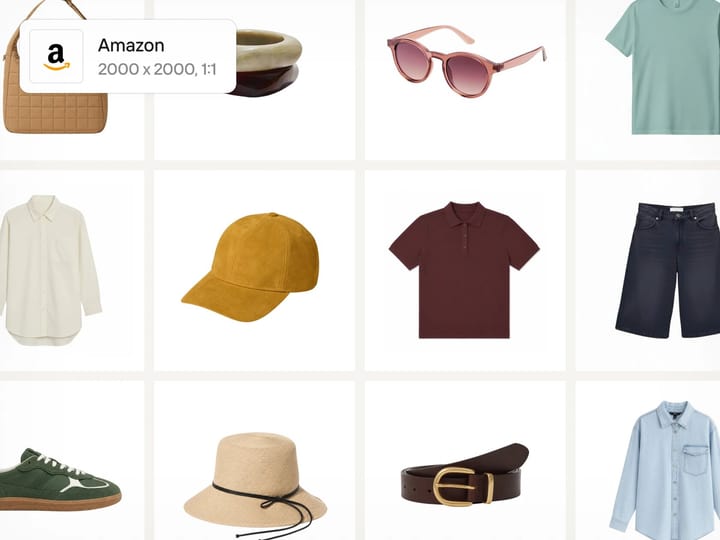
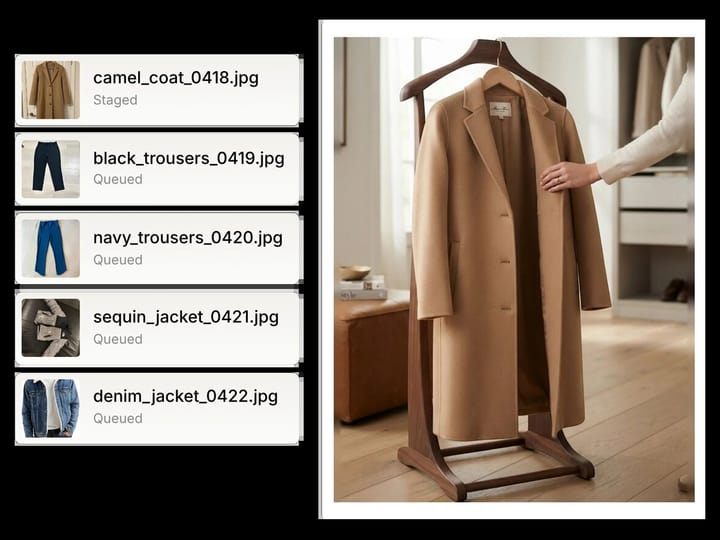
Flat-lay-to-model generation starts with a garment laid out or photographed on a mannequin and constructs an on-person presentation. Botika offers model, pose and background selection, while Modelia's flat-lay workflow offers generated models with appearance controls.
Identity or model creation constructs the person used in those scenes. Customer virtual try-on instead works from an existing person image, usually alongside a product reference. FASHN's Try-On instructions distinguish placing a garment on a chosen person from generating a new person through Product to Model. A one-product-photo workflow therefore does not always mean one input image in total.
A representative tool comparison
These descriptions summarize official product documentation checked on 21 November 2026. They cover different jobs rather than a tested quality ranking.
| Tool | Starting point | Documented retail role |
|---|---|---|
| Botika | Flat-lay apparel or existing fashion imagery | Generate on-model content using selected models, poses and backgrounds. |
| Modelia | Flat-lay or on-model photograph | Separate tools for creating a model presentation and replacing a model's appearance. |
| FASHN | Product reference plus person image, or a product-to-model workflow | Produce campaign/catalog imagery or build a shopper-facing try-on experience. |
| Veesual | Garment packshots, model photographs and product feed | Integrate model switching, outfit styling and advertised size-comparison experiences into an e-shop. |
| Google Try-On | Eligible product listing plus shopper photograph | Personal shopping visualization, subject to geographic, account and product eligibility. |
Sources: Botika, Modelia, FASHN, Veesual and Google.
The destination changes the practical brief. An internal lookbook needs an approved set of reusable images; an interactive store feature also needs the correct product and variant connected to each result. Ask for a demonstration using your own reference assets before committing a collection to either workflow.
A familiar face does not establish a real body
FASHN's Face to Model documentation describes an experimental endpoint that turns a headshot into an upper-body avatar. It says body shape is inferred when the user supplies no body-shape instruction. Facial resemblance and bodily measurement are therefore separate properties of the output.
For an editorial example, imagine starting with a face photograph and a cropped jacket image. A generated result can supply shoulders, arms and a plausible jacket arrangement, but those additions were not measured in the two references. A convincing likeness does not authenticate sleeve length, shoulder clearance or the wearer's proportions.
The same information gap applies to the product. A single front view does not record an unseen back closure, lining, exact stretch or movement. Treat newly revealed details as generated proposals until they are checked against the garment, additional reference photographs or reliable specifications.
Styling visualization and fit evidence need separate checks
Google's Shopping Help page explicitly says generated try-on does not determine or guarantee actual fit, and acknowledges possible errors in body features and clothing details. FASHN's FAQ similarly says its visualization does not measure the body or predict the correct size.
Veesual makes a different, more specific product claim: Switch Model includes personalized size recommendations, while its Multi-Sizing description presents views of a recommended size and adjacent sizes. Record those as vendor-described capabilities. Their presence does not establish accuracy for your assortment or customers.
Evaluate any sizing component separately: ask what measurements and garment data it uses, how performance was validated and what happens with unfamiliar cuts or limited size data. Keep the actual size chart, product measurements and material information accessible beside the visualization. A persuasive generated drape should not quietly become a promise that a particular size will behave identically.
Build an acceptance workflow around the product
The following is a proposed production workflow, not a report of tests conducted for this article.
Prepare a reference set
Keep the SKU, approved photographs, variant color, garment measurements and construction details together. Add front, back and detail views when they answer questions the first image cannot.
Define permitted changes
Decide whether the assignment changes only the setting, changes the person or synthesizes an entire worn view. Mark garment details that must remain fixed.
Inspect product identity
Compare logos, print placement, pocket count, seams, closures, hem shape and accessories. Reject an attractive image that silently changes the item being sold.
Check the person and the interaction
Examine hands, limbs, garment boundaries, layering and body continuity. An anatomically plausible image can still depict an inaccurate product.
Approve the intended use
Review catalog images, editorial styling and customer try-on separately. Preserve the source assets, output version and approval decision so a changed product can trigger a fresh review.
FASHN acknowledges that small lettering, reflections, occlusion and intricate patterns can vary. Use those difficult details as acceptance cases. For a printed blouse, for example, compare motif placement around the placket and cuffs rather than judging the overall impression alone. A generation that passes one plain T-shirt does not validate the rest of the catalog.
Permission remains part of the brief
Establish permission for the photograph, any identifiable person's likeness and the planned commercial use before uploading references. FASHN's terms place input permissions and output review responsibilities on the customer. Google also requires permission for another person's photograph.
Record retention and deletion arrangements for customer uploads, and check the selected service's current terms. Keep the visual's purpose clear: showing an outfit, presenting a product and recommending a size are three deliverables with different evidence requirements. Approve each against the information it actually contains.